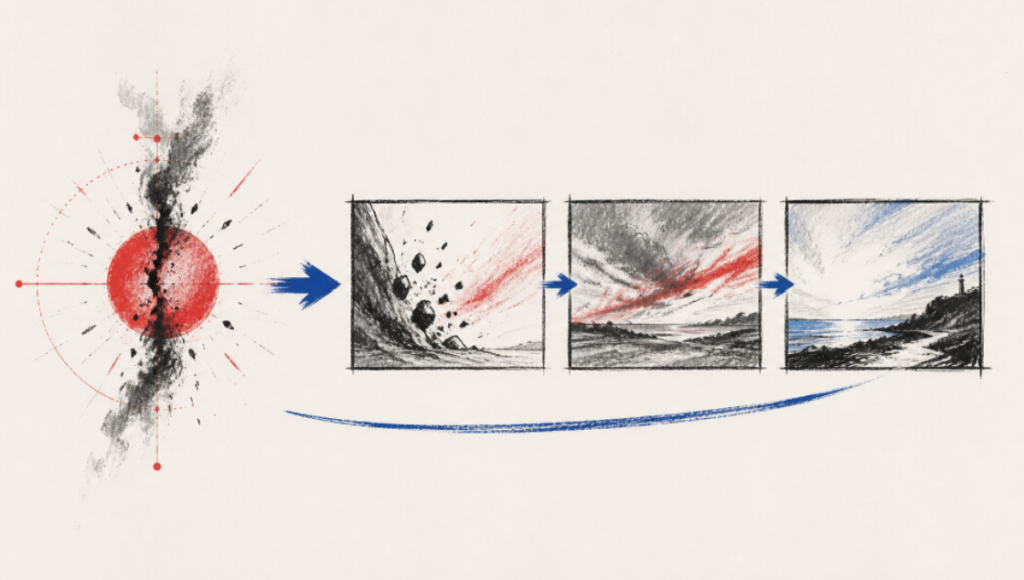
A storyboard frame can be beautiful and still be useless. The lighting looks expensive, the composition feels deliberate, and the character resembles the reference. Yet the frame does not show who has power, what changed in the scene, or why the next shot exists. It illustrates a sentence instead of interpreting dramatic action.
The distinction becomes visible when the team can name what belongs to the scene and what belongs to the shot. The page supplies action, characters, location, and the dramatic turn. Framing, camera position, movement, performance intent, and order interpret that material. A generated image is only one candidate result of those decisions.
Judge Every Frame By The Scene Turn
Begin by stating what changes between the start and end of the scene. A guest arrives believing the dinner is a celebration and leaves knowing it is an intervention. A painter opens a gallery expecting praise and realizes the curator has removed the disputed work. That turn gives each shot a job. Without it, the board becomes a collection of attractive surfaces.
Next, identify the few physical facts that carry the change. The untouched plate may reveal that nobody planned to eat. An empty wall may matter more than a close-up of the artist’s face. Storyboarding starts when the director decides which fact the audience receives, when they receive it, and from whose position.
Name Subject Framing Action And Purpose
A useful shot record inside AI Screenwriting Software can be read as one complete decision: subject, framing, camera position or movement, action, and dramatic purpose. “Medium shot of Maya” is incomplete. “Medium profile holds Maya beside the empty wall while the curator avoids her eye; the missing work becomes visible before the explanation” tells the crew what the frame must accomplish.
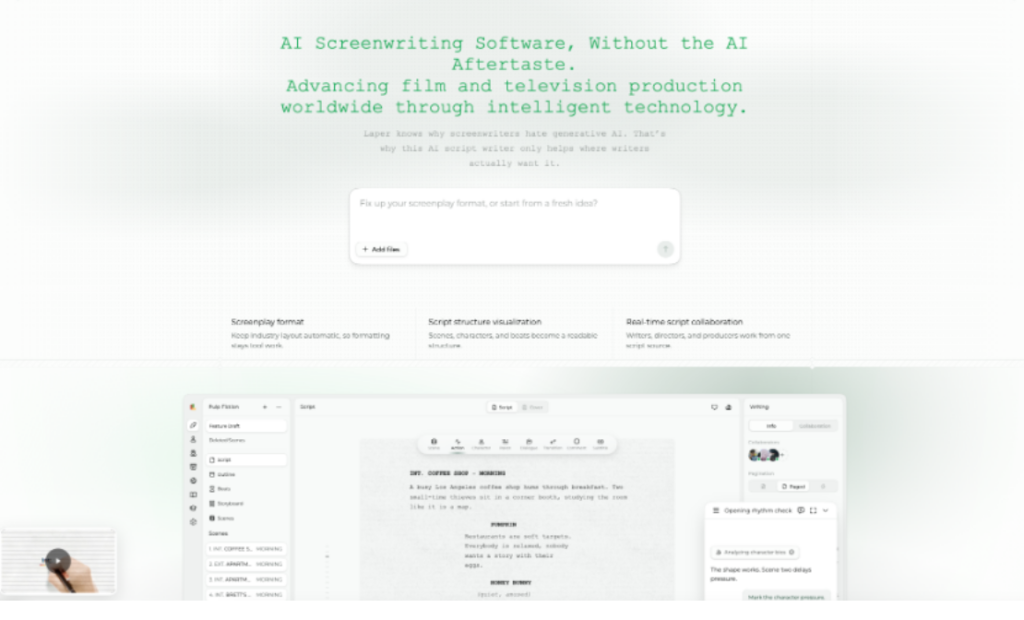
Laper keeps explicit camera choices attached to ordered shots. The product also preserves the intentional order of reference slots, so previous and next shot references are not interchangeable decoration. That matters when continuity depends on screen direction, eyelines, a prop state, or the visual pressure between adjacent frames.
Compare Three Frames From One Scene
Use three candidate frames to test whether the board advances the turn. They do not need to be finished art. Simple compositions are enough if each frame answers a different dramatic question. The comparison below is a meaning test, not a style contest.
| Candidate frame | What it reveals | Keep or reject |
| Wide entrance | Guest sees a table set for many but only two chairs | Keep; establishes the false celebration |
| Decorative room detail | Shows flowers and warm light without new story information | Reject; repeats mood |
| Profile with sealed envelope | Host blocks the exit while placing evidence on the table | Keep; turns welcome into pressure |
The rejected frame may be the prettiest one. That is the point. A storyboard is not a vote on isolated images. It is an argument about how the audience understands space, attention, and change over time.
Remove Frames That Only Repeat Mood
Mood deserves a place, but it should not occupy every slot. If three consecutive frames all communicate loneliness through different blue rooms, the board has stopped moving. Keep the strongest image and ask what the next frame must reveal: a decision, obstacle, reversal, or new piece of geography.
A practical test is to hide captions and read the sequence as shapes. Can another reader point to the moment control changes? Can they tell whether the character moved toward or away from the objective? If the answer depends on a paragraph beneath every frame, the shot design is carrying too little.
Check The Cut Between Adjacent Frames
Two strong frames can still make a weak cut. Verify eyelines, entrances, prop positions, screen direction, and the amount of new information. A close-up of the sealed envelope works only if the previous frame established who can see it. A reaction works only if the viewer knows what caused it.
For a long or complicated board, AI screenplay software can inspect the selected scene and known shot order for continuity questions without pretending to direct. Keep camera intention explicit, review the candidate sequence, and let a director decide which visual relationship carries the scene.
Keep Shot Design Separate From Generated Images
A shot and an image have different lifecycles. The shot is project data: its purpose, order, camera choices, and relationship to the scene can change during planning. A generated frame is the result of an explicit task with cost, status, failure handling, and an asset record. Collapsing the two makes a good-looking generation feel like an approved directorial decision.
In Laper, a user or assistant first creates or edits the ordered shot. The interface then prepares a generation request from scene and shot context. The backend owns the task state and terminal outcome. A selected image can be attached to the shot through the normal project write path. That separation leaves room to reject an image without deleting the underlying idea.

Approve The Shot Before Spending Generation Credits
Ask four questions before generation. Does the shot reveal something the previous one did not? Does it use real character and location facts from the scene? Are framing and movement chosen rather than inherited by accident? Will the result change a production decision? If not, revise the shot record while the cost is still zero.
This is also where reference discipline matters. A portrait may help hold character identity, and a location reference may support continuity. Neither tells the director how a performance should turn. Keep visual references attached to real subjects, then write the dramatic purpose in language another collaborator can challenge.
Review The Asset Against The Shot
Once an image returns, compare it with the shot record rather than the prompt alone. Check subject, framing, action, spatial relationship, prop state, and emotional pressure. A frame can follow the prompt and still miss the shot if it makes the wrong character dominant or hides the object that triggers the turn.
Do not rewrite the screenplay to justify a favourite image. If the frame suggests a genuinely better staging idea, bring that decision back to the scene and review its consequences. The page remains the authority for action; the storyboard remains an interpretation; the asset remains a candidate visual result.
Stop Adding Coverage When Meaning Stalls
The storyboard tutorial recommends beginning with roughly three decisive shots and reconsidering plans that exceed six. This is not a hard maximum. It is a useful challenge to coverage that grows before geography, pressure, and the turn are clear. More frames should earn their place by changing what the audience knows or feels.
For art and film teams, Laper is most useful when it keeps the page, shot order, references, and image assets in one review path. Directorial intention becomes visible in the choices the team can defend. The best board may contain fewer images than the first draft because every remaining frame has a dramatic purpose and a reason to lead to the next.